pixspace
Lightroom – der komplette Kurs – Von A bis Z
Abholverfügbarkeit konnte nicht geladen werden
Sind Sie bereit, Ihre fotografischen Fähigkeiten auf ein neues Niveau zu bringen? Begleiten Sie Alessandro Di Cicco, einen weltweit anerkannten Porträtfotografen, auf einer transformativen Reise durch die Welt von Adobe Lightroom. In diesem umfassenden Kurs bringt Ihnen Alessandro nicht nur bei, wie man Fotos bearbeitet – er befähigt Sie auch dazu, Ihrer Kreativität freien Lauf zu lassen und Ihre Vision zum Leben zu erwecken.
In über 20 fesselnden Videos teilt Alessandro seinen Reichtum an Wissen und Fachwissen und führt Sie klar und präzise durch alle Aspekte von Lightroom. Von der Organisation Ihrer Fotobibliothek bis zur Beherrschung fortgeschrittener Bearbeitungstechniken lässt Alessandro nichts unversucht, um Sie dabei zu unterstützen, ein kompetenter Bildbearbeiter zu werden.
Aber in diesem Kurs geht es nicht nur um das Erlernen von Werkzeugen und Techniken – es geht auch darum, einen künstlerischen Blick zu entwickeln und die Sprache der Fotografie zu verstehen. Alessandro zeigt Ihnen, wie Sie ein Foto lesen, seine Stärken und Schwächen erkennen und Bearbeitungswerkzeuge verwenden, um seine visuelle Wirkung zu verbessern.
Unter Alessandros Anleitung lernen Sie nicht nur, wie Sie Hautunreinheiten beseitigen und rote Augen entfernen, sondern auch, wie Sie mit Ihren Fotos fesselnde visuelle Geschichten erzählen. Egal, ob Sie Porträts, Landschaften, Tiere oder Objekte bearbeiten, Alessandros Schritt-für-Schritt-Ansatz ermöglicht es Ihnen, das Beste aus jedem Bild herauszuholen.
Am Ende dieses Kurses beherrschen Sie nicht nur Lightroom, sondern haben auch das Selbstvertrauen gewonnen, Ihre einzigartige Vision durch Ihre Fotografie zum Ausdruck zu bringen. Begleiten Sie Alessandro Di Cicco auf dieser aufregenden Reise und schöpfen Sie noch heute das volle Potenzial Ihrer Fotos aus!“
Lektionen
- Einführung
- Abschnitte
- Die Grundlagen von Lightroom
- Fotos importieren
- Registerkarte bearbeiten
- Registerkarte „Overlays“
- Registerkarte „Heilung“
- Rote Augen entfernen
- Maskierung – Betreff und Personen
- Maskierung – Himmel
- Maskierung – Objekt
- Maskierung – Radial und Linear
- Maskierung – Farbbereich
- Maskierung – Luminanz
- Spielen mit Masken
- Erstellen einer Lightroom-Voreinstellung
- Mehrere Fotos bearbeiten
- Wasserzeichen exportieren und hinzufügen
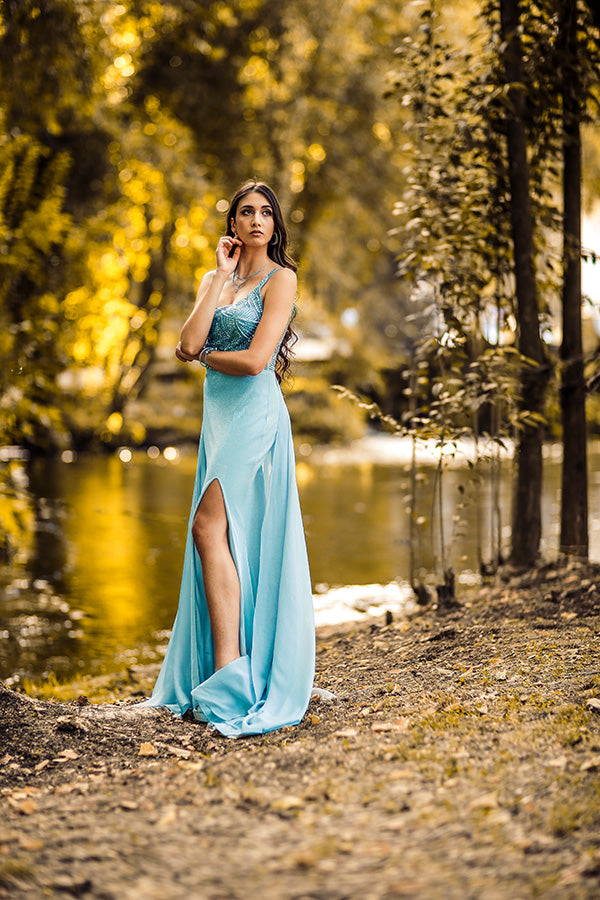
- Vollständige Bearbeitung: Porträt 1
- Vollständige Bearbeitung: Porträt 2
- Vollständige Bearbeitung: Porträt 3
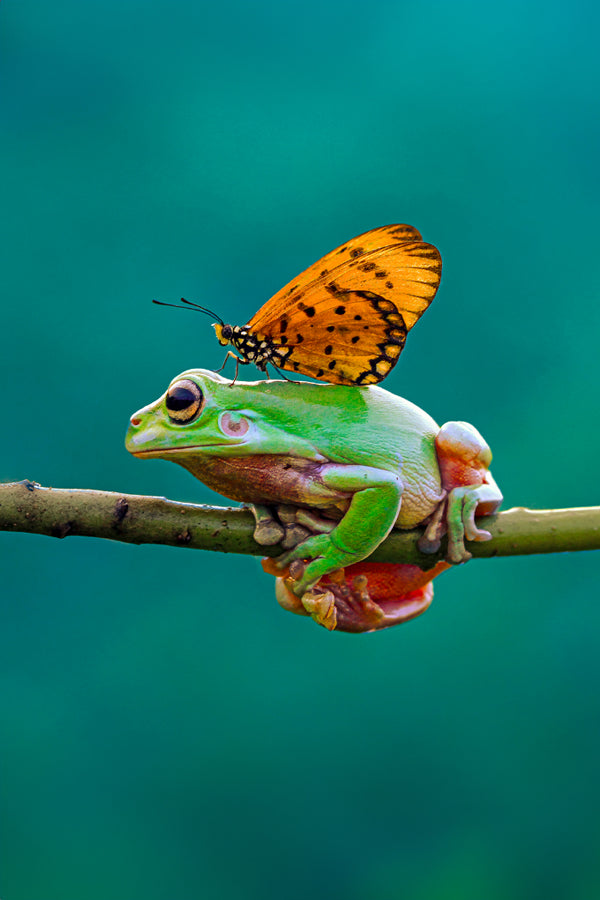
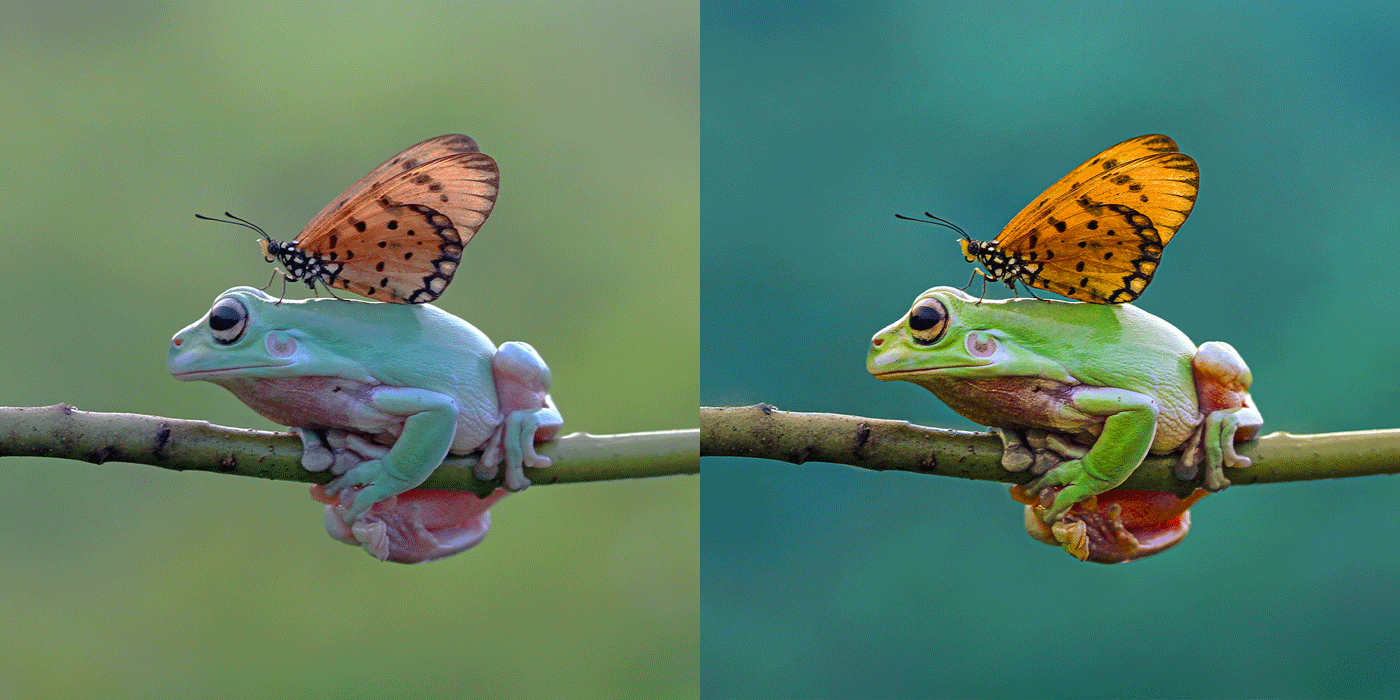
- Vollständige Bearbeitung: Froggy & Butterfly
- Vollständige Bearbeitung: New York

-
The basics
Learn the basics of navigation, organization, and editing tools to kickstart your journey towards stunning photo transformations.
-

Masking
Master masking in our Lightroom course: precise edits, professional results.
-
Lightroom Pro
Masterful editing for all -beginners to experts. Elevate your photos effortlessly
Alessandro Di Cicco
I've always wanted to be unique, and in a world full of photographers standing out is very difficult.. My world is colorful and in it took me years and years to achieve an unique way to use colors, this is what makes my style unique and easy recognizibile

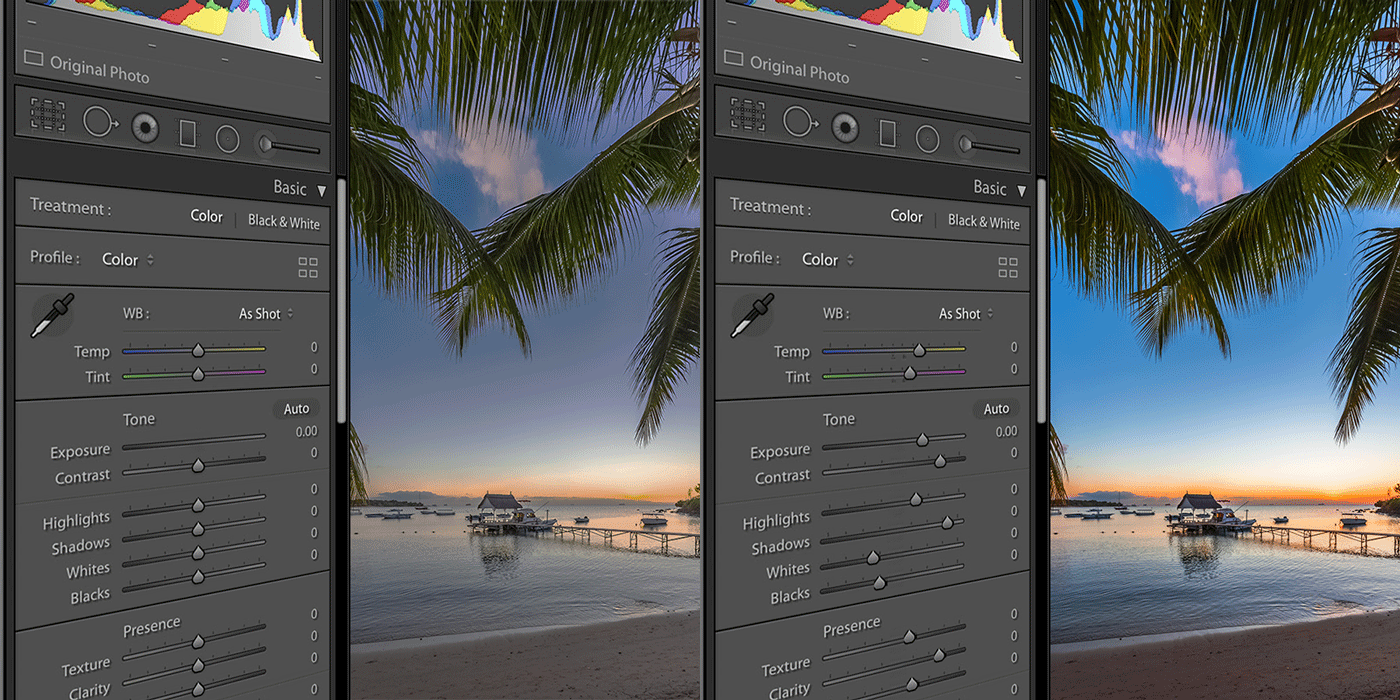
Example of the masterclass
-
Organizing your photos
Learn how to efficiently organize your photo library within Lightroom's catalog system, making it easy to find and manage your images.
-
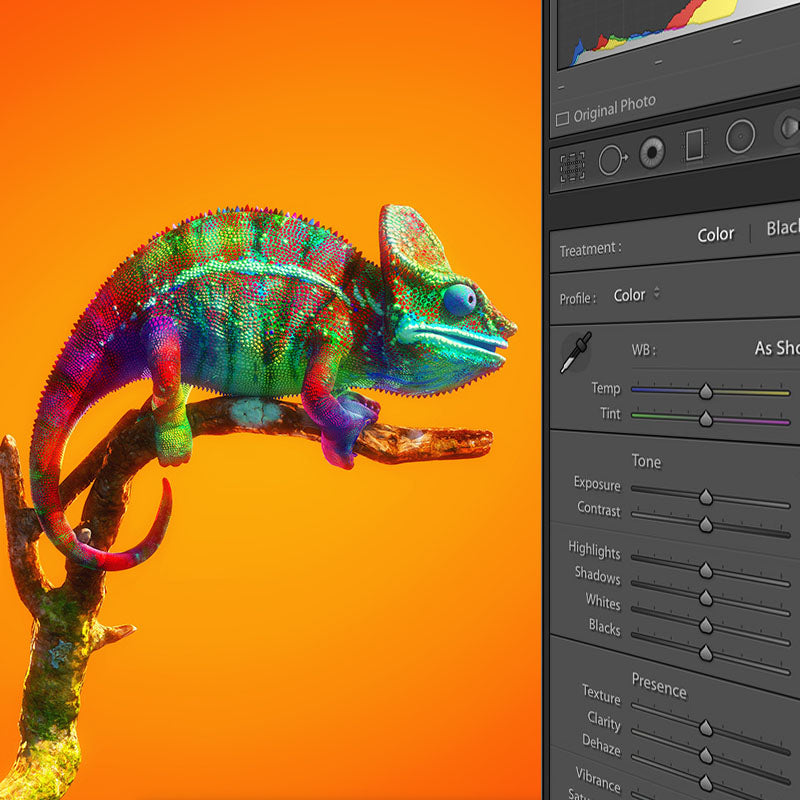
Lightroom Overview
Explore every editing feature and tabs in Lightroom, fully understand what every function does and how it's useful in editing.
-
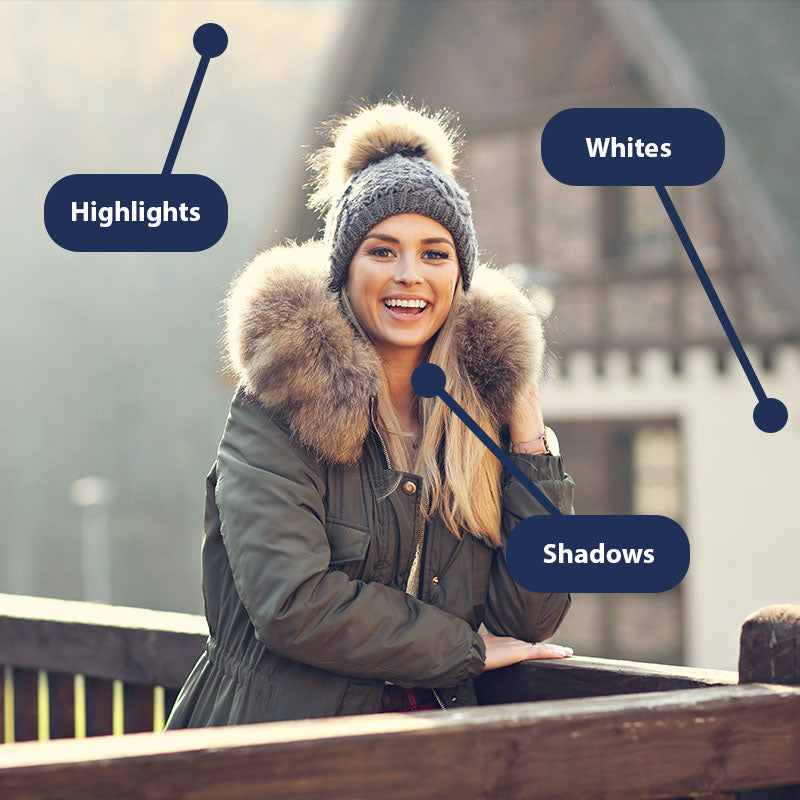
Reading a Photo
Alessandro will teach you how to analyze a photo and identify areas that need improvement, whether it's exposure, color balance, or composition.
-
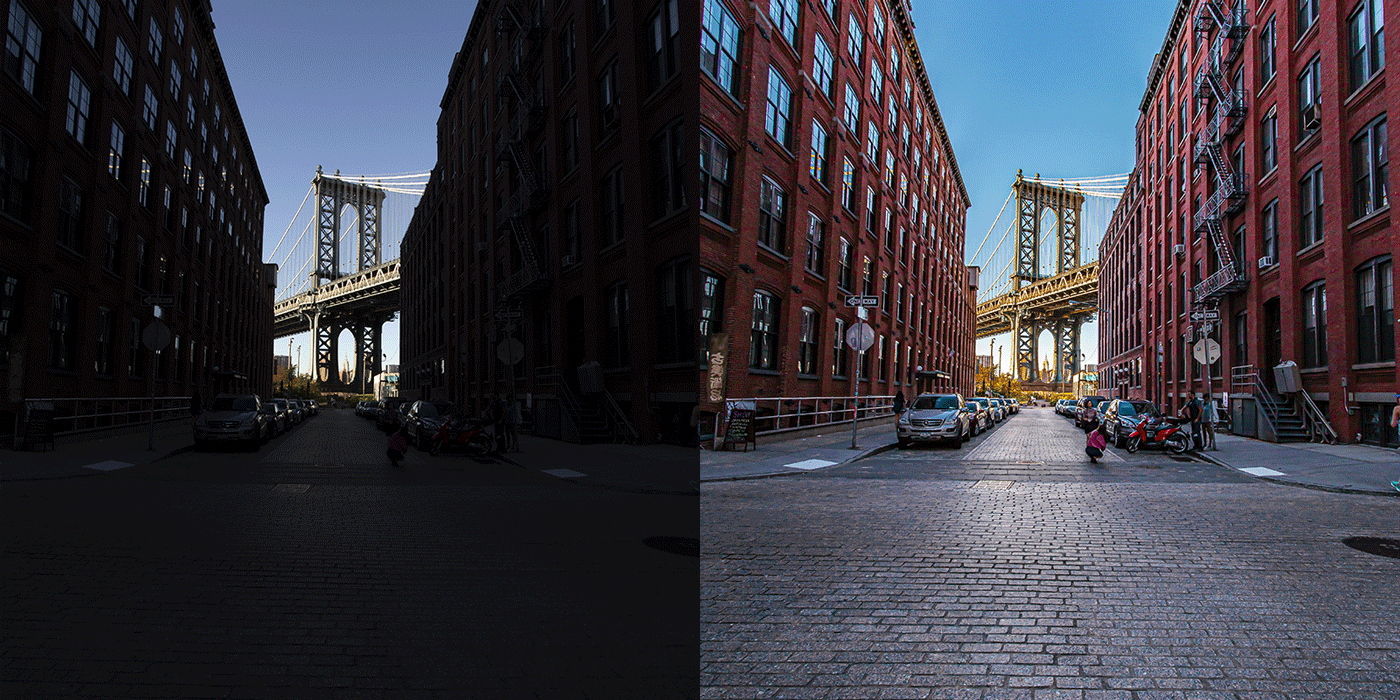
Recovering Photos
Explore the art of recovering underexposed and overexposed photos. Learn how to salvage details, restore balance, and breathe new life into your images with precision editing techniques.
-
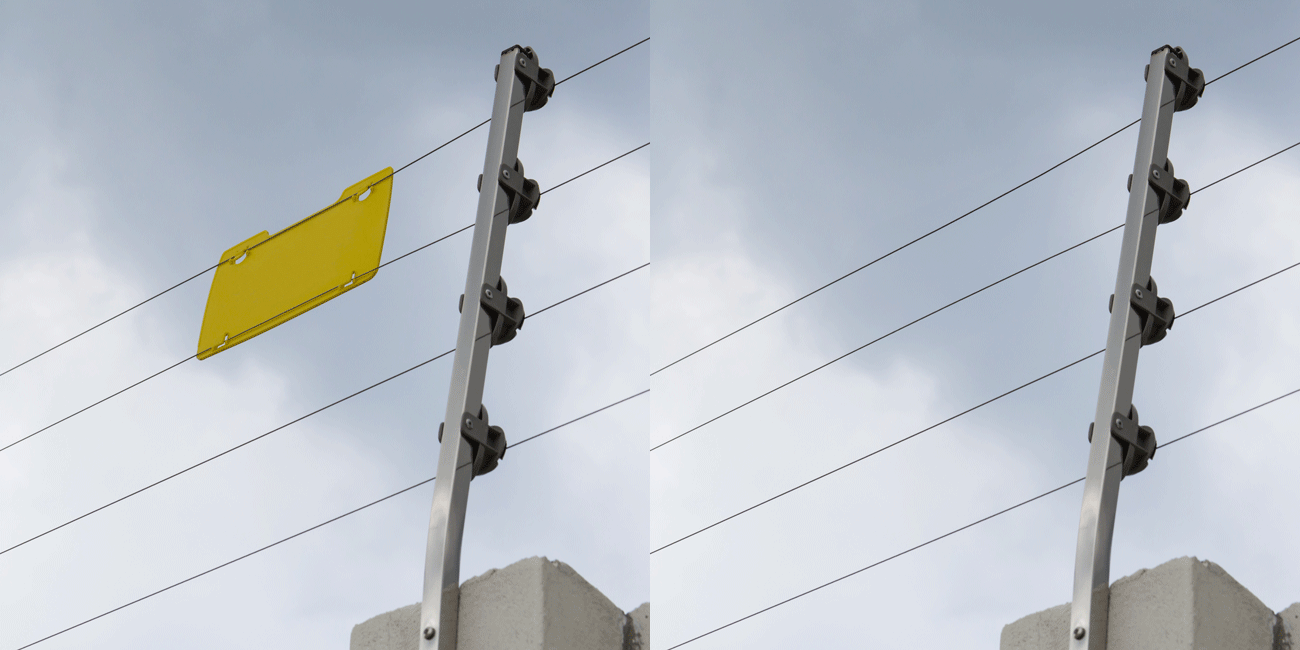
Cleaning Up Your Photos
Discover techniques for cleaning up your images, including removing blemishes, dust spots, and distractions to ensure your photos look flawless.
-
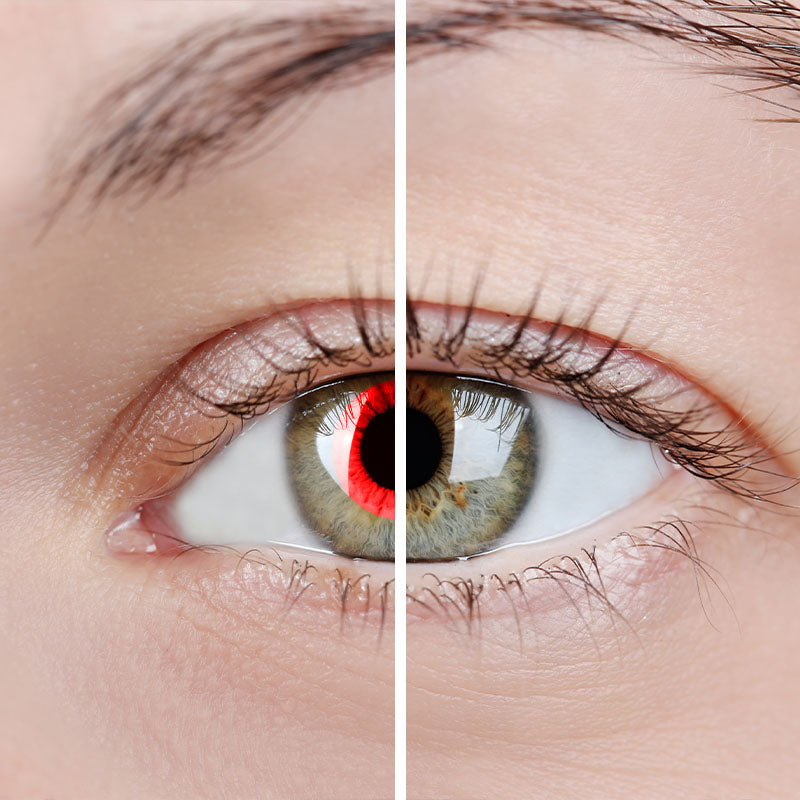
Red Eye Removal
Say goodbye to red eyes in your portraits! Alessandro will demonstrate how to easily remove red eye effects using Lightroom's tools.
-
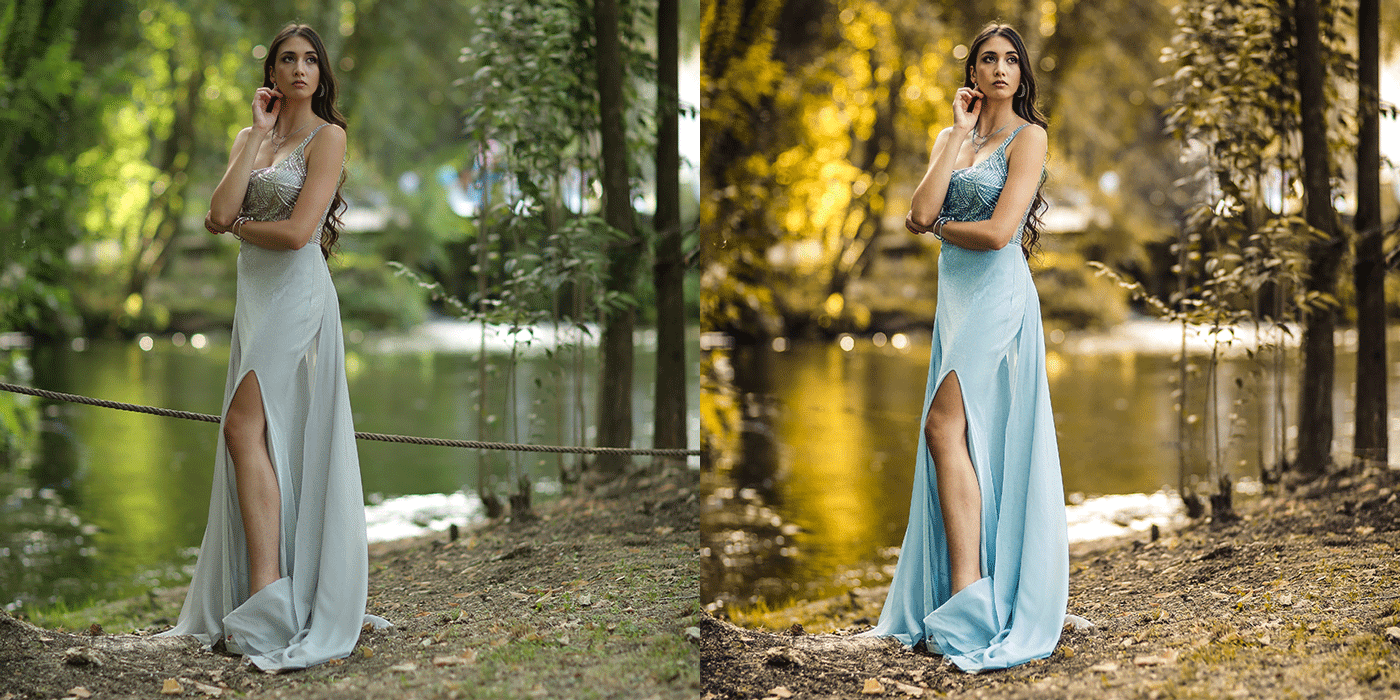
Full Photos Editing
Learn and follow full editing lessons, such as Portrait, Landscape, Animal, Objects and more
-

Masking Techniques
Master all types of masking techniques, including recovering underexposed and overexposed photos, to refine and enhance specific areas of your images.

- Intro
- Sections
- The basics of Lightroom
- Importing photos
- Edit Tab
- Overlays Tab
- Healing Tab
- Red Eyes Remove
- Masking - Subject & People
- Masking - Sky
- Masking - Object
- Masking - Radial & Linear
- Masking - Color Range
- Masking - Luminance
- Playing with masks
- Creating a Lightroom preset
- Editing Multiple photos
- Exporting & adding watermarks
- Full editing: Portrait 1
- Full editing: Portrait 2
- Full editing: Portrait 3
- Full editing: Froggy & Butterfly
- Full Editing: New York
Master your editing
"I've been following Alessandro for more than 5 years now and his editing course, it was great! He has clear teaching style, helpful tips, covers a wide range of topics and styles. I highly reccomend this course you won't regret it.
-
Multiple Youpic.com website covers by Alessandro
-

In 2017 Alessandro was voted as 1 of the top 5 most influential photographers in the world
-

Pubblished multiple times by Canon official photo selectors

Watch anywhere, anytime
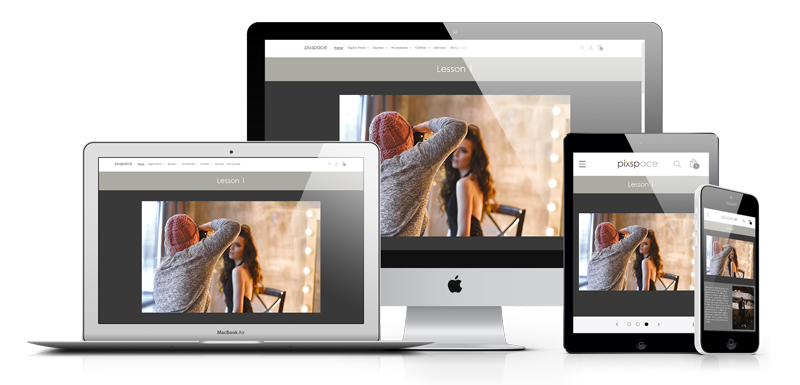
access your lessons from any device, anywhere you want and when ever you want.
-

LESSONS
24
-

DURATION
3.5 Hours
-

COURSE TYPE
Photo Editing
-

VOICE
English
-

EXTRA FILES
Original Photos
-
LEVEL
Begineer - Expert
-

REQUIRED
Lightroom
-

PAUSE
Need a break, start from where you paused.
learn continually there's always one more thing to learn
Steve Jobs